
Best AI Laptops for Students and Professionals (2026): The Complete Buying Guide
Artificial intelligence is transforming personal computing, making today’s laptops smarter, faster, and more efficient than ever before. The Best AI laptops for students and professionals are no longer designed only for running office software or browsing the web. Instead, they include dedicated AI hardware that accelerates creative work, improves productivity, enhances battery life, and powers intelligent features that were impossible just a few years ago.
Whether you are a university student completing research, a software developer building AI applications, a content creator editing videos, or a business professional managing daily workloads, choosing the right AI-powered laptop can significantly improve your workflow.
This guide is based on industry-recognized AI research, educational resources, and current technology developments. It explains what AI laptops are, how they work, the most important features to consider, who should buy one, and how to select the right model for your needs in 2026.
Featured Snippet Answer
What are AI laptops?
AI laptops are computers equipped with specialized processors such as Neural Processing Units (NPUs) that perform artificial intelligence tasks locally. They improve performance for applications like image editing, video conferencing, language translation, writing assistance, coding, security, and battery optimization while reducing reliance on cloud computing.
Table of Contents
- What Is an AI Laptop?
- How AI Laptops Work
- Why AI Laptops Are Becoming Popular
- Essential Features to Look For
- AI Hardware Explained
- Best AI Features for Students
- Best AI Features for Professionals
- AI Software and Productivity Tools
- Battery Life and Performance
- Common Mistakes When Buying
- Future of AI Laptops
- Frequently Asked Questions
- Disclaimer
- Final Thoughts
What Is an AI Laptop?
What Is an AI Laptop?
An AI laptop is a computer built with hardware and software designed to process artificial intelligence workloads more efficiently. Unlike traditional laptops that depend mainly on the CPU and GPU, AI laptops include dedicated AI chips called NPUs (Neural Processing Units). These processors accelerate AI tasks while consuming less power.
Modern operating systems and applications increasingly rely on AI to automate repetitive work, improve communication, generate content, and enhance security. AI laptops allow many of these features to run directly on the device, resulting in faster performance, improved privacy, and lower internet dependency.
As software continues integrating AI capabilities, the Best AI laptops for students and professionals are becoming valuable long-term investments rather than niche devices.
How AI Laptops Work
AI laptops combine several hardware components to process intelligent workloads efficiently.
The CPU handles general computing tasks, while the GPU manages graphics-intensive operations and parallel processing. The NPU specializes in machine learning operations such as speech recognition, image enhancement, background removal, and language processing.
When you launch an AI-enabled application, different workloads are automatically assigned to the processor best suited for the task. This balanced approach improves responsiveness, extends battery life, and allows users to run multiple demanding applications simultaneously.
Cloud AI services continue to play an important role, but local AI processing offers better privacy and lower latency for many everyday tasks.
Why AI Laptops Are Becoming Popular
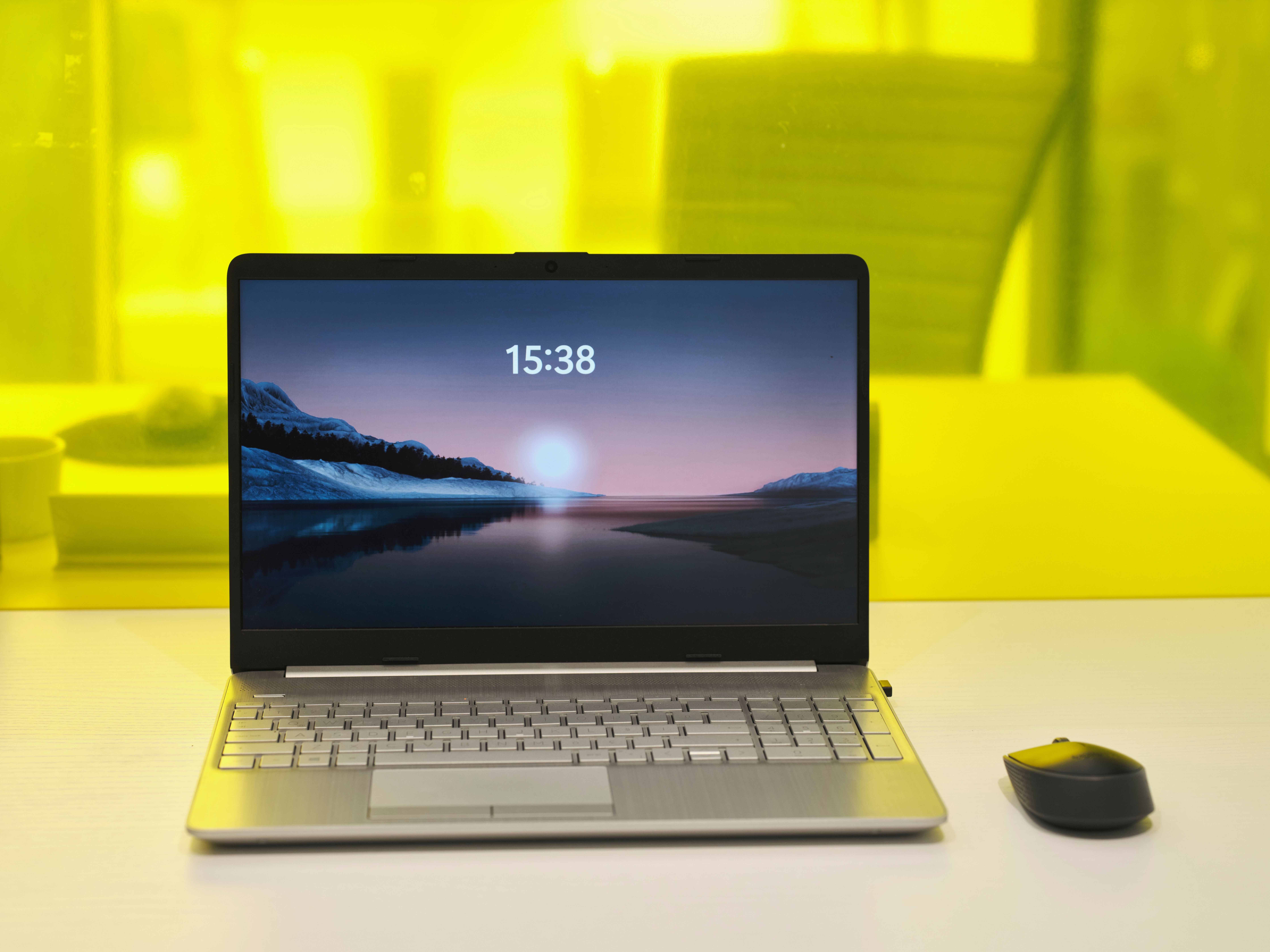
Artificial intelligence is now integrated into operating systems, productivity software, creative applications, and collaboration platforms.
Students use AI-powered writing assistants, lecture transcription, language translation, and research tools to improve learning efficiency.
Professionals benefit from intelligent scheduling, document summarization, meeting transcription, coding assistants, video editing enhancements, cybersecurity protection, and workflow automation.
Because AI has become part of everyday computing, manufacturers are designing laptops specifically to handle these new workloads efficiently.
Essential Features to Look For
Choosing the Best AI laptops for students and professionals involves evaluating several important components rather than focusing only on processor speed.
A modern AI laptop should include a recent-generation processor with integrated AI acceleration, sufficient RAM for multitasking, and a fast solid-state drive for quick application loading.
A high-quality display is especially important for designers, students who spend long hours studying, and professionals who frequently analyze documents.
Battery life also deserves careful consideration because AI optimization allows many modern laptops to operate longer while maintaining excellent performance.
Reliable Wi-Fi, high-resolution webcams, quality microphones, and multiple connectivity ports further enhance the overall experience.
AI Hardware Explained
AI laptops rely on three primary processing units working together.
CPU
The Central Processing Unit manages everyday computing tasks such as browsing, spreadsheets, programming, and document editing.
GPU
The Graphics Processing Unit accelerates graphics rendering while supporting AI applications including video editing, image generation, and machine learning.
NPU
The Neural Processing Unit is specifically designed for artificial intelligence operations. It efficiently processes language models, voice recognition, image enhancement, and real-time AI effects while consuming much less energy than traditional processors.
The growing importance of NPUs is one reason why AI laptops are becoming standard choices across education and business environments.
Best AI Features for Students
Students benefit from AI in ways that go far beyond simple chatbots.
AI-powered note-taking software automatically summarizes lectures and organizes study materials. Writing assistants improve grammar while suggesting clearer sentence structures. Language translation tools help international students understand complex academic resources.
AI also assists with research organization, citation management, document summarization, and presentation creation. Creative students studying design, architecture, engineering, or media production can use AI-assisted editing tools to complete projects faster.
These capabilities make the Best AI laptops for students and professionals particularly valuable throughout higher education. Also learn more on best AI meeting assistants click HERE

Best AI Features for Professionals
Professionals increasingly rely on AI to automate routine work and improve decision-making.
Business users can summarize lengthy reports, generate meeting notes, organize emails, and schedule appointments more efficiently.
Software developers benefit from AI coding assistants that suggest functions, detect errors, and generate documentation.
Graphic designers, photographers, and video editors use AI-powered object removal, image enhancement, noise reduction, and intelligent editing features that significantly reduce production time.
Financial analysts, marketers, researchers, consultants, and project managers all benefit from AI-driven data analysis and workflow automation. get yourself best AI labtops on amazon at a cheaper price click HERE
AI Software and Productivity Tools
Modern AI laptops support a growing ecosystem of intelligent applications.
Common categories include:
- AI writing assistants
- AI coding assistants
- AI image editing software
- AI video editing platforms
- AI meeting transcription tools
- AI research assistants
- AI presentation generators
- AI note-taking applications
- AI translation software
- AI cybersecurity solutions
Many of these applications can now perform portions of their processing locally, improving both speed and privacy.
Battery Life and Performance
One major advantage of AI laptops is intelligent power management.
Machine learning algorithms continuously analyze user behavior to optimize resource allocation. Frequently used applications receive priority, while background processes consume less power.
The NPU also processes AI workloads far more efficiently than a CPU, reducing energy consumption during video conferencing, speech recognition, and real-time translation.
For students attending classes all day or professionals working remotely, longer battery life translates into greater productivity and convenience.
Common Mistakes When Buying an AI Laptop
Many buyers focus only on brand names or processor generations without considering how they actually plan to use the device.
Another common mistake is purchasing too little memory or storage. AI applications continue becoming more demanding, making 16 GB of RAM and a fast SSD increasingly practical for long-term use.
Ignoring display quality, keyboard comfort, webcam performance, and software compatibility can also reduce overall satisfaction.
Rather than chasing marketing terms, evaluate how the laptop supports your daily tasks, future software requirements, and overall budget.
Future of AI Laptops
Artificial intelligence will continue reshaping personal computing over the coming years.
Future laptops are expected to feature even more powerful NPUs capable of running advanced language models entirely on-device. Intelligent operating systems will better understand user preferences, automate routine work, improve cybersecurity, and personalize computing experiences.
Edge AI processing will reduce dependence on cloud services while improving speed and protecting sensitive information.
As AI software becomes increasingly sophisticated, laptops designed with dedicated AI hardware will become the standard choice across education, business, engineering, healthcare, research, and creative industries.

Frequently Asked Questions
- What is an AI laptop?
An AI laptop includes specialized hardware that accelerates artificial intelligence tasks such as voice recognition, image enhancement, meeting transcription, and intelligent productivity features while improving efficiency and battery life.
- Are AI laptops worth buying?
Yes. They provide better performance for modern software, longer battery life, improved security, and faster execution of AI-powered applications compared with traditional laptops.
- Do students need AI laptops?
Students can benefit from AI-powered research, note-taking, writing assistance, translation, presentation creation, and study organization tools that improve learning efficiency.
- Can AI laptops work without the internet?
Many AI features now operate locally using dedicated AI processors, although cloud-based services still require internet connectivity.
- What is an NPU?
An NPU, or Neural Processing Unit, is a processor specifically designed to accelerate artificial intelligence workloads while consuming minimal power.
- Are AI laptops good for programming?
Yes. Developers can use AI coding assistants, debugging tools, code generation, documentation support, and testing features that improve software development productivity.
- Do AI laptops improve battery life?
Yes. AI processors optimize power consumption by assigning workloads efficiently and reducing unnecessary background activity.
- Can AI laptops edit videos?
Absolutely. AI-assisted video editing includes automatic subtitles, object removal, background enhancement, scene detection, and intelligent rendering acceleration.
- How much RAM is recommended?
For most students and professionals, 16 GB of RAM offers an excellent balance between performance, multitasking, and future software compatibility.
- Will AI laptops become the new standard?
Industry trends indicate that AI-enabled processors will become standard across most personal computers as operating systems and applications increasingly depend on artificial intelligence.
Disclaimer
Technology evolves rapidly, and artificial intelligence hardware and software continue to improve each year. Specifications, AI features, and product capabilities may change as manufacturers release new devices and software updates. Readers should verify important purchasing decisions using trusted manufacturer documentation, independent reviews, and current technical resources. This article is intended for educational purposes only and should not be considered professional technical or purchasing advice.
Final Thoughts
Artificial intelligence is fundamentally changing what modern laptops can accomplish. From intelligent writing assistance and AI-enhanced creativity to advanced security and smarter battery management, today’s AI-powered computers deliver meaningful improvements for both learning and professional work.
Choosing the Best AI laptops for students and professionals is not simply about purchasing the fastest hardware—it is about selecting a device that matches your academic goals, career requirements, software needs, and long-term productivity. By understanding AI hardware, essential features, and future technology trends, you can make a confident investment that remains valuable for years to come.
As AI continues to evolve throughout 2026 and beyond, staying informed about emerging technologies will help you maximize the capabilities of your laptop and adapt to the next generation of intelligent computing.